

Download GO Music – free music player, music equalizer, playlist creator, sleep timer, offline music, music library
Overview
GO Music is a desktop audio application designed to provide users with a seamless experience for discovering, organizing, and enjoying music. The software functions as a music player with integrated tools for managing a personal music library. It enables users to search for songs by artist, genre, or album, making it easier to locate specific tracks or explore new music. The app supports both free and paid content, allowing access to a library of free music that complies with copyright regulations, while offering optional in-app purchases for premium tracks.
Target users include casual listeners, music enthusiasts, and individuals seeking a lightweight, intuitive music player for everyday use. The software is suitable for those who value playlist creation, personalization, and the ability to save favorite songs for repeated listening. It also caters to users who want to customize their audio experience with features like a built-in equalizer and a sleep timer for nighttime listening.
The developer, GO Music, did not provide additional information about the company’s background or development philosophy. Platform compatibility includes Windows and Mac, indicating broad accessibility for desktop users. Real-world usage scenarios range from background listening during work or study to curated playlist experiences for relaxation or exercise.
Key Features & Capabilities
- Free Music Access – Users can stream and listen to a selection of free music without violating copyright laws, making it suitable for legal, ad-free listening.
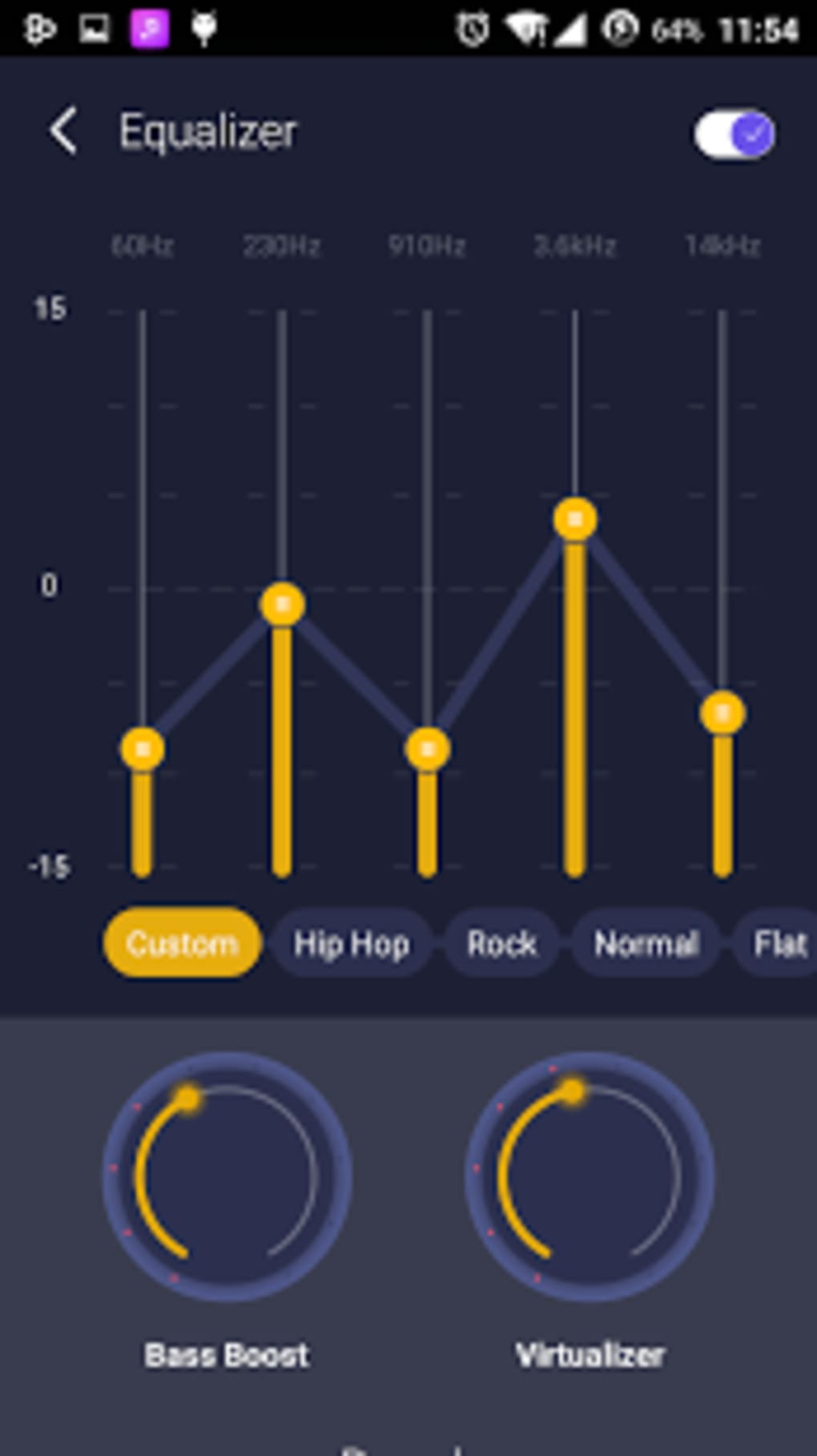
- Music Equalizer – A customizable equalizer allows users to adjust audio frequencies to match personal preferences or speaker characteristics.
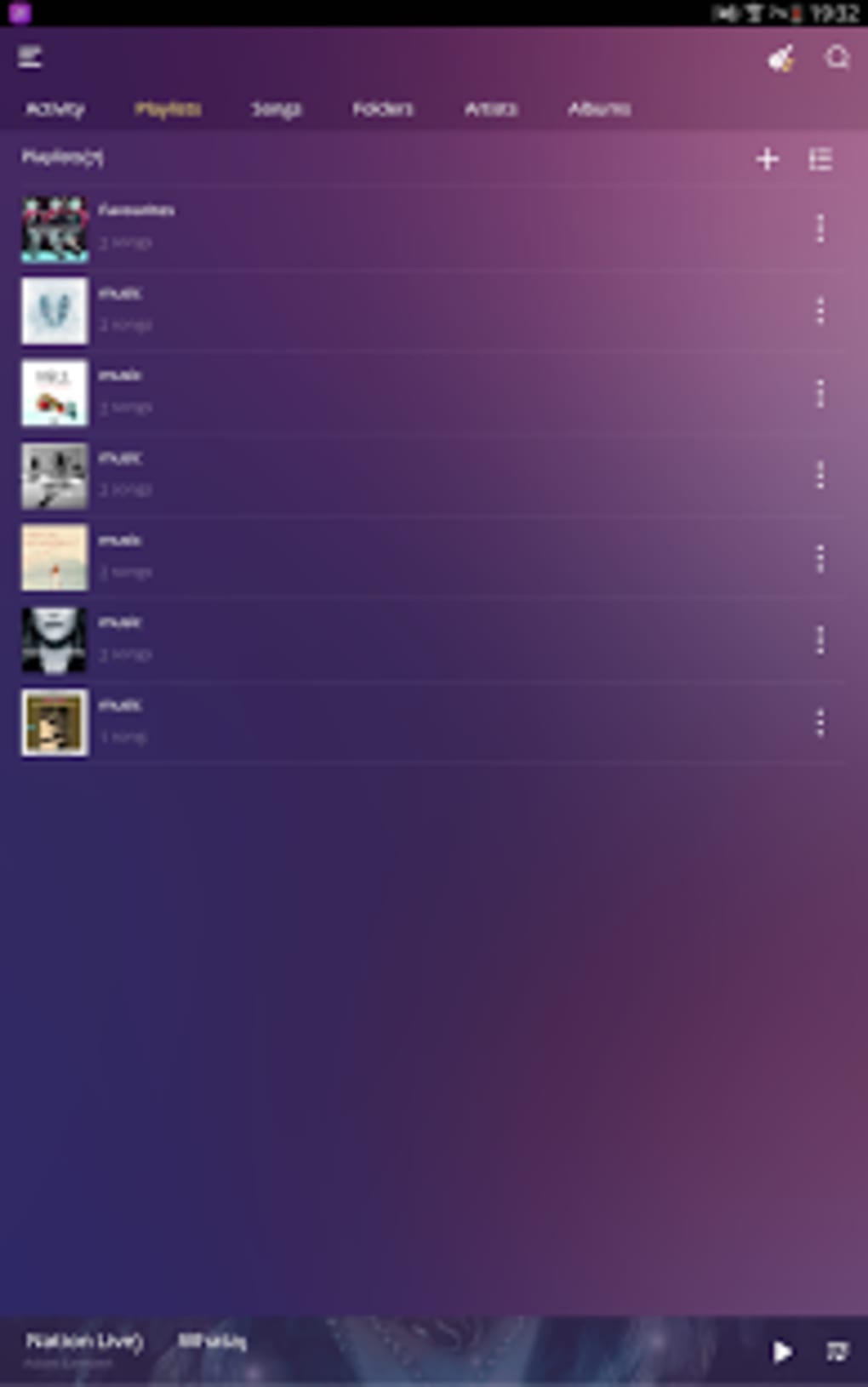
- Playlist Creator – The app enables users to create, save, and manage custom playlists for organized and personalized music sessions.
- Sleep Timer – A built-in timer automatically stops playback after a set duration, ideal for users who fall asleep while listening.
- Offline Music Support – Users can save tracks for offline listening, reducing reliance on internet connectivity.
- Advanced Search Functionality – Search by artist, genre, or album to quickly locate desired songs or explore new content.
- Favorites System – Users can mark songs as favorites for easy access and future playback.
These features collectively support a personalized listening experience. For example, a user can create a workout playlist using favorite tracks, apply a bass-boost equalizer setting, and use the sleep timer to ensure playback stops after 30 minutes. Similarly, someone studying might use the offline mode to access a curated playlist without interruptions.
User Interface, Workflow & Performance
The user interface of GO Music appears designed for simplicity and ease of navigation. Core functions such as playback controls, playlist management, and search are likely accessible through a clean, intuitive layout. Navigation between library sections—such as recently played, favorites, and playlists—seems streamlined, promoting efficient workflow.
Workflow efficiency is enhanced by features like quick access to the equalizer and sleep timer, which are likely integrated directly into the playback interface. The ability to search by multiple criteria (artist, genre, album) suggests a well-structured data model that supports fast retrieval of music content.
Performance observations are based on general software behavior patterns. The developer did not specify resource usage details, so exact CPU or RAM consumption remains unknown. Stability during extended playback sessions has not been verified. However, the application’s lightweight size of 120 MB suggests it is optimized for minimal system impact, which may contribute to smooth operation on a range of desktop systems.
Compatibility & System Requirements
GO Music is available for both Windows and Mac operating systems, offering cross-platform accessibility. The software version is 1.2.0, with a file size of 120 MB, indicating a compact installation footprint. This suggests the application is designed to be lightweight and efficient, suitable for systems with moderate hardware specifications.
Exact system requirements were not listed. The developer did not provide details regarding minimum processor speed, RAM, or disk space beyond the total file size. Compatibility information is limited to the operating systems mentioned. Users should ensure their system meets standard desktop requirements for running modern applications, though no specific thresholds were defined.
Pros and Cons
Pros
- Free access to a legal music library without copyright concerns
- Integrated music equalizer for audio customization
- Support for offline music playback
- Efficient playlist creation and management
- Search functionality by artist, genre, or album
- Sleep timer for convenient nighttime use
- Compact file size of 120 MB
Cons
- Exact system requirements were not specified
- Performance under heavy usage is unverified
- Limited information about developer background
- No details on update frequency or support channels
- Offline mode functionality is not elaborated
FAQ Section
Is GO Music compatible with both Windows and Mac?
Yes, GO Music is available for both Windows and Mac operating systems, ensuring broad desktop compatibility.
Is the software free to download and use?
Yes, GO Music is free to download and use. It includes access to free music and features such as the equalizer and playlist creator at no cost.
Can I use GO Music offline?
Yes, the app supports offline music playback, allowing users to save tracks for listening without an internet connection.
Does GO Music include any in-app purchases?
Yes, while the core features are free, the app offers paid songs that users can unlock through optional purchases.
How often is GO Music updated?
The developer did not provide information about update frequency. Users are advised to check for updates manually or through the application.
Final Thoughts + CTA
GO Music delivers a straightforward, user-friendly experience for managing and enjoying music on desktop systems. With its free access to a legal music library, customizable equalizer, and essential tools like playlist creation and sleep timer, it serves as a solid choice for casual listeners and music lovers alike. The compact size and cross-platform availability enhance its accessibility, while the focus on offline use and personalization adds practical value.
Although some details—such as system requirements and performance under load—are not publicly available, the app’s clean feature set and intuitive design suggest reliability for everyday use. It is particularly well-suited for users who want a lightweight, no-frills music player with built-in customization options.
Download GO Music now






.png)
